CapCut
All-in-one free video editor for PC & Mobile

Safe & Secure

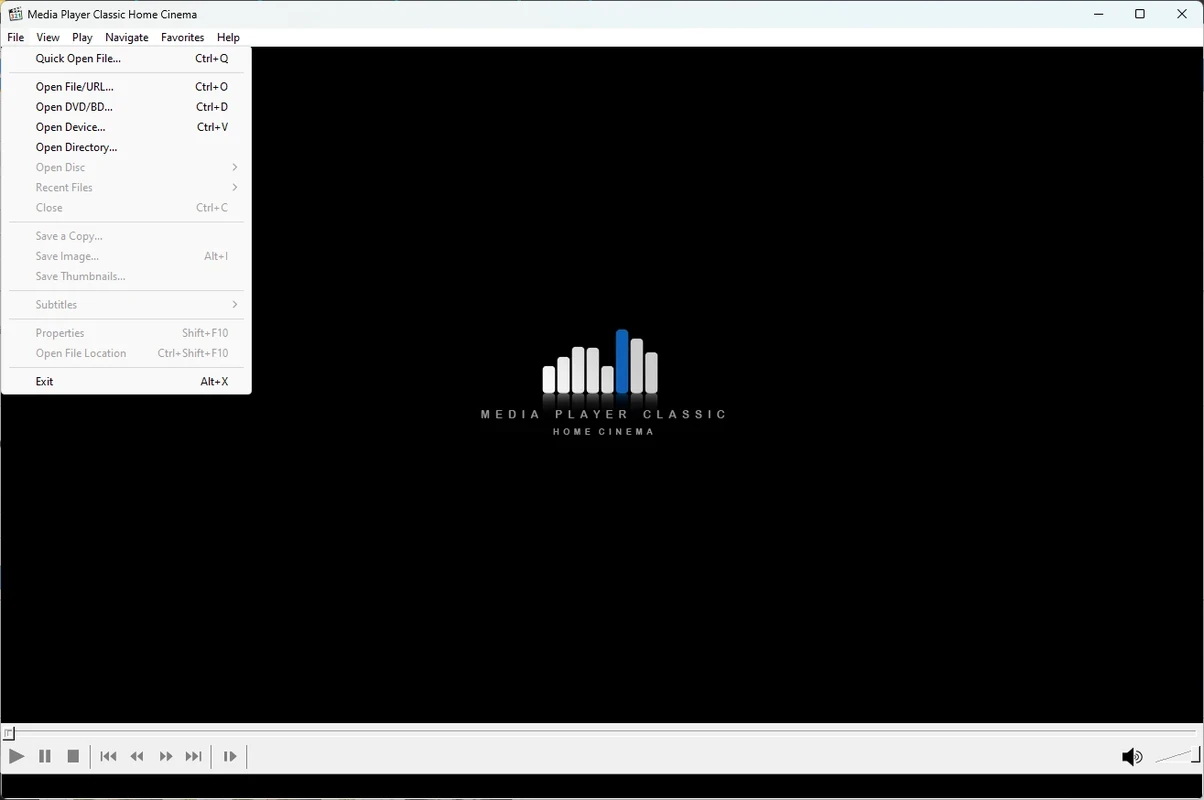
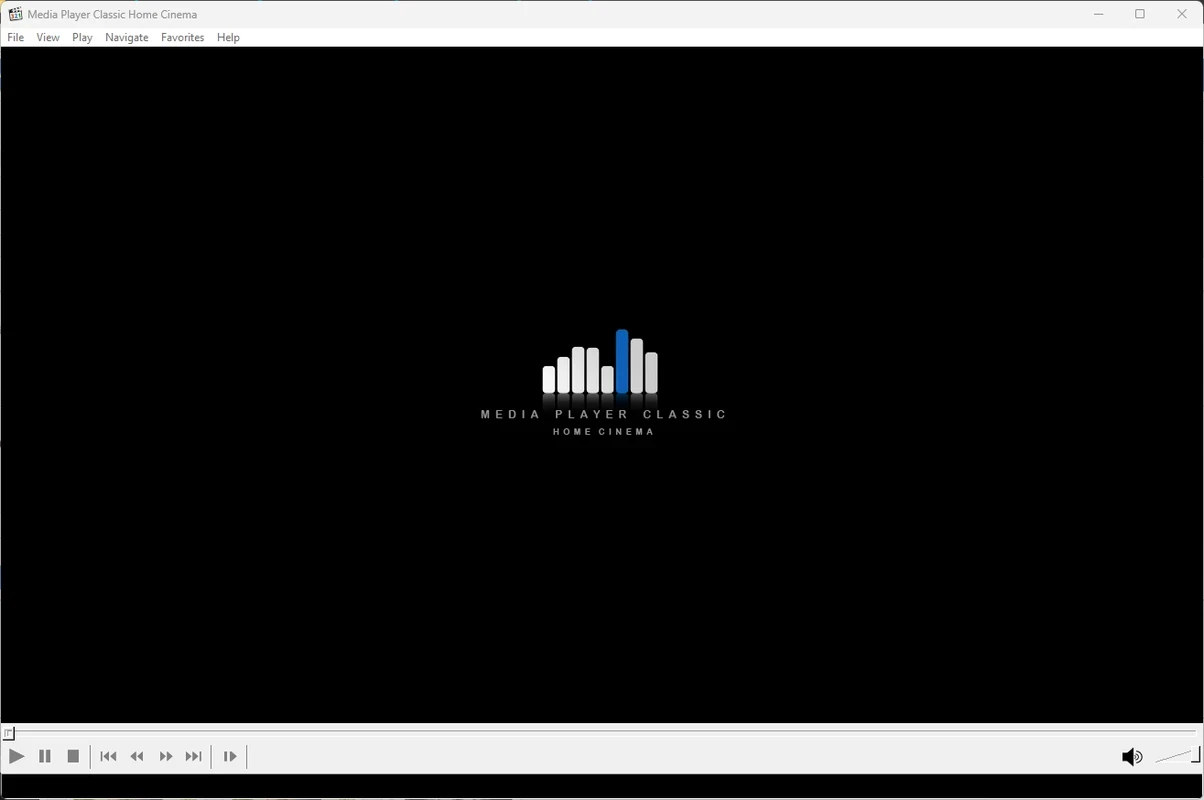

Media Player Classic Home Cinema (MPC-HC) is a free, open-source multimedia player, providing a complete throwback in all available ways. The lightweight utility offers support for a huge variety of audio and video formats, without requiring third-party codecs or plugins. It is the best choice for users who are seeking a plug-and-play experience.
The app offers awesome services for consuming a lot of non-streaming media, ensuring a versatile and efficient media-playback experience. It offers multiple additional features to offer smooth performance, utilizing minimum system resources.
Media Player Classic, developed by Gabest, was launched in 2003 as a free and open-source utility for managing your multimedia files. In 2006, official support was discontinued, and a dedicated community of developers started to maintain and revive the software, offering updates and enhancements for Windows users.
It is a lightweight utility that incorporates additional features, multi-format support, and a customizable interface, ensuring a hassle-free media playback experience. It is an enhanced version of the Guliverkli project, offering a breeze-like workflow.
The support for an extensive collection of multimedia file formats that includes video files, audio files, CDs, DVDs, and even lot of uncommon file formats. The most popular supported formats are MP4, MKV, AVI, FLV, MP3, FLAC, and so on. The app reliably handles the formats, without requiring additional codec, instead offers huge library of internal codecs. It makes it possible to play any media file easily and quickly.
The availability of multiple customization options allows users to reliably make changes according to their preferences. You only need to navigate to the Preferences menu to personalize MPC-HC while exploring multiple settings and options. It is possible to modify video and audio settings, subtitles, and also interface appearance. Moreover, you can personalize keyboard hotkeys and mouse options, clicking on the Options, next Player, and hit the Keys option.
You will find the user interface clean, intuitive, and highly customizable, allowing users to select skins and colors to enhance the appearance of your screen. It offers an easy way of playing audio as well as video files, offering multiple functions, including subtitles, video adjustments, screen ratio, and even an audio channel mixer. The effortless compatibility allows the users to use all of their libraries, as there is available MP3, MP4, WMV, and so on. Moreover, the app offers dark and light theme support with simple switching, such as Menu –View – Dark Theme/Light Theme.
The app offers support for multiple key audio and video codecs, such as H.264, H.265, and VP9, avoiding the external software requirement. Instead, it offers high-quality playback with quick navigation and more intuitive playback control. Moreover, it helps to create and organize media collections, offering full-screen mode and playlist management tools.
You will find support for multiple advanced functions, such as innovative playback controls, including playing, pausing, stopping, forwarding, rewinding, and also frame-by-frame navigation. Support for keyboard shortcuts and multimedia keyboard shortcuts is also available. Moreover, you can select the Advanced option from the Options menu, adjusting the height of the seekbar and size of the toolbar buttons.
The app proves to be the most flexible utility, offering adjustable audio and video settings, such as balance, brightness, saturation, equalizer levels, contrast, and so on, ensuring an optimized viewing and listening experience. You will also find support for direct video streaming from YouTube. But the discontinued official support has led to a lack of regular updates
User privacy and security are among the most important and preferred elements. No doubt, the program is open-source, and you can get its code easily. It ensures that there is not any type of hidden feature or spware will existed. It allows users to confidently browse, as there is not data collecting activity. No doubt, it is lightweight and secure software for handling your media files, maintaining your online privacy and security.
To make your watching experience more reliable and understandable, it offers effortless support for loading external subtitle files. It also makes it possible to adjust settings, including font, size, color, and synchronization. In addition, you will also find a robust set of audio and video filters to make your playback experience fast and smooth.
Pros
Cons

All-in-one free video editor for PC & Mobile

Get optimized converted multimedia files with Format Factory

Green Convert is a free video converter to offers a quick conversion and editing videos with support for limitless formats

Free Cam, capture, record, and edit videos to upload directly on YouTube

VLC supports multiple audio/video formats to play your multimedia.

Streamlabs OBS is a offer you online and offline broadcasting.